How to Set Up IPTV UK on Firestick in Under 3 Minutes (2026 Guide)
Getting your IPTV UK service running on an Amazon Fire TV Stick or Fire TV Cube only takes about three minutes. You don't need a laptop or any cables—just grab your Firestick remote and follow these quick steps using the free Downloader app.
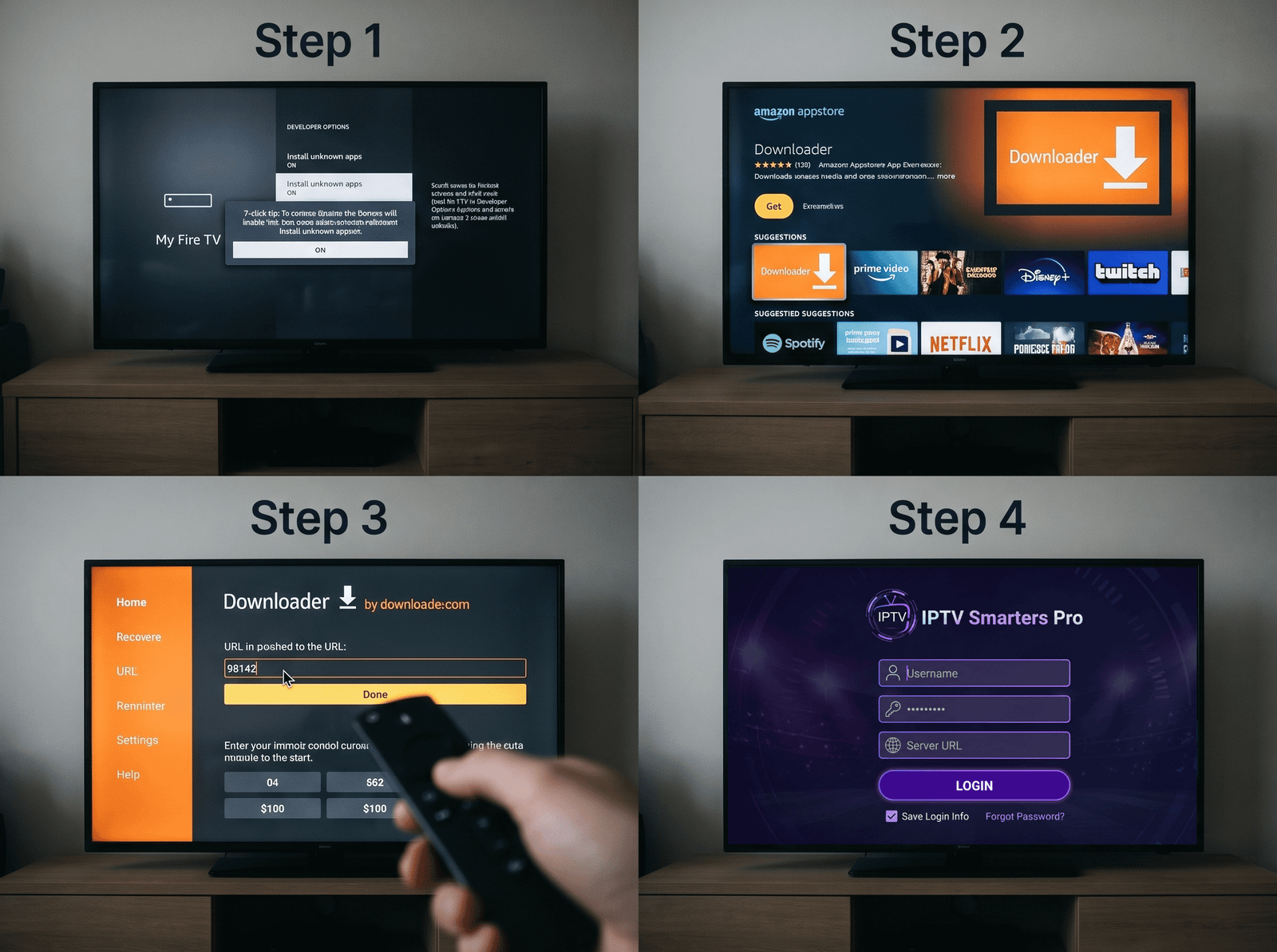
Step 1: Turn on Developer Options
Head to your Firestick home screen and click Settings (the gear icon on the far right). Scroll across to My Fire TV > Developer Options and switch Install Unknown Apps to ON. (Quick note: If you don't see Developer Options right away, click on About, highlight Fire TV Stick, and press the middle select button on your remote 7 times until it unlocks).
Step 2: Grab the Downloader App
Go back to the home screen, hit the search magnifying glass, and type in Downloader. Select the orange Downloader app from the Amazon Appstore results and click Download.
Step 3: Type in Your App Code
Open up Downloader and allow permissions when asked. Click on the URL box on the main screen, type in the short app code we emailed you with your IPTV UK welcome details, and hit Go. The player will download and install automatically.
Step 4: Log In and Start Watching
Once the app finishes installing, open it up and select Login with Xtream Codes API. Punch in the username, password, and server URL from your welcome email. Give it about 30 seconds to load your IPTV UK channels and TV guide, and you're good to go.